Do you want to make progress with digital accessibility, but lack an overview? We help you make it concrete and manageable for your entire organisation.
Every role requires a different approach. That is why we offer role-based training tailored to the day-to-day practice of the participants. We use findings from previous audits as direct input for the course material, so the theory can be applied straight away. The training is based on the current guidelines and is offered online as standard, or on location if preferred.
All our training courses are available in English and Dutch.
Learning from an expert by experience
Digital accessibility only becomes truly tangible when you see it in practice. That is why trainer and expert by experience Charissa, who is almost completely blind herself, shares her unique perspective during our sessions. This makes the abstract theory immediately human and greatly motivates the team to make your digital channels truly accessible to everyone.
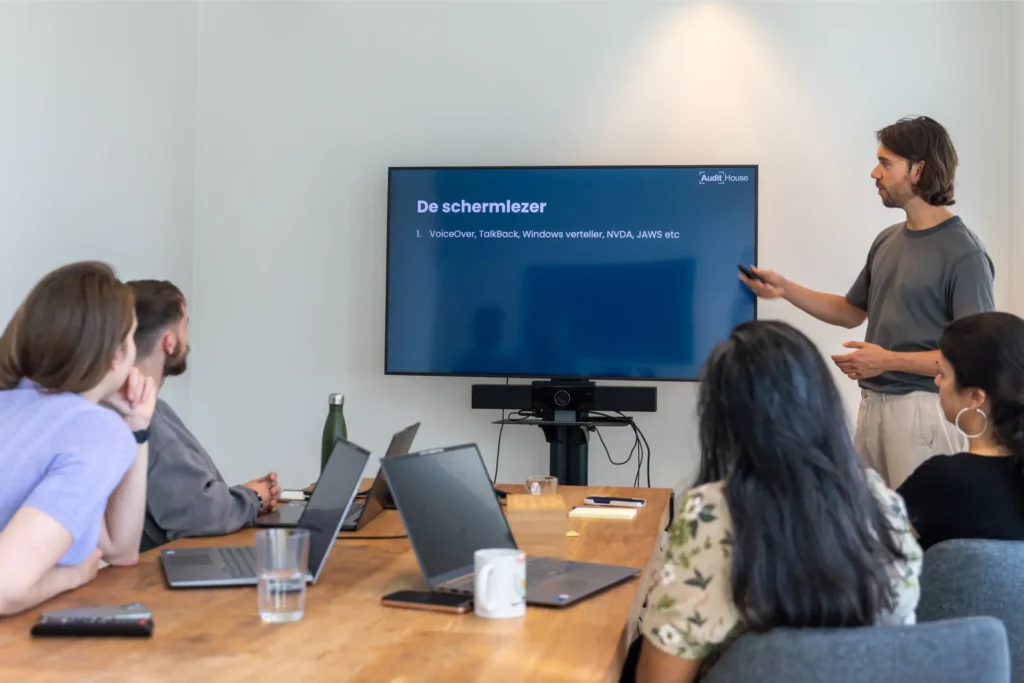
For all employees within the organisation. Our expert by experience uses assistive technology to show the problems users encounter in practice. This makes the impact of digital accessibility immediately visible and increases internal support.
For editors, content managers and marketers. Learn in practice how to create accessible texts, videos and social media posts that everyone can use and that comply directly with the current WCAG guidelines.
For developers, testers and functional administrators. Avoid common mistakes in code and learn to build websites and apps according to the EN 301 549 standard, so they work seamlessly with assistive technology.
For UX/UI designers and graphic designers. Design inclusively from the ground up by focusing on colour contrast, logical navigation and intuitive interaction. This prevents problems in the technology and makes the platform work for everyone.
For creators of documents in programs such as Word, PowerPoint or Adobe InDesign. Learn step by step how to set the correct tags and reading order, so your PDF files are read out flawlessly by screen readers.